ClusterMap
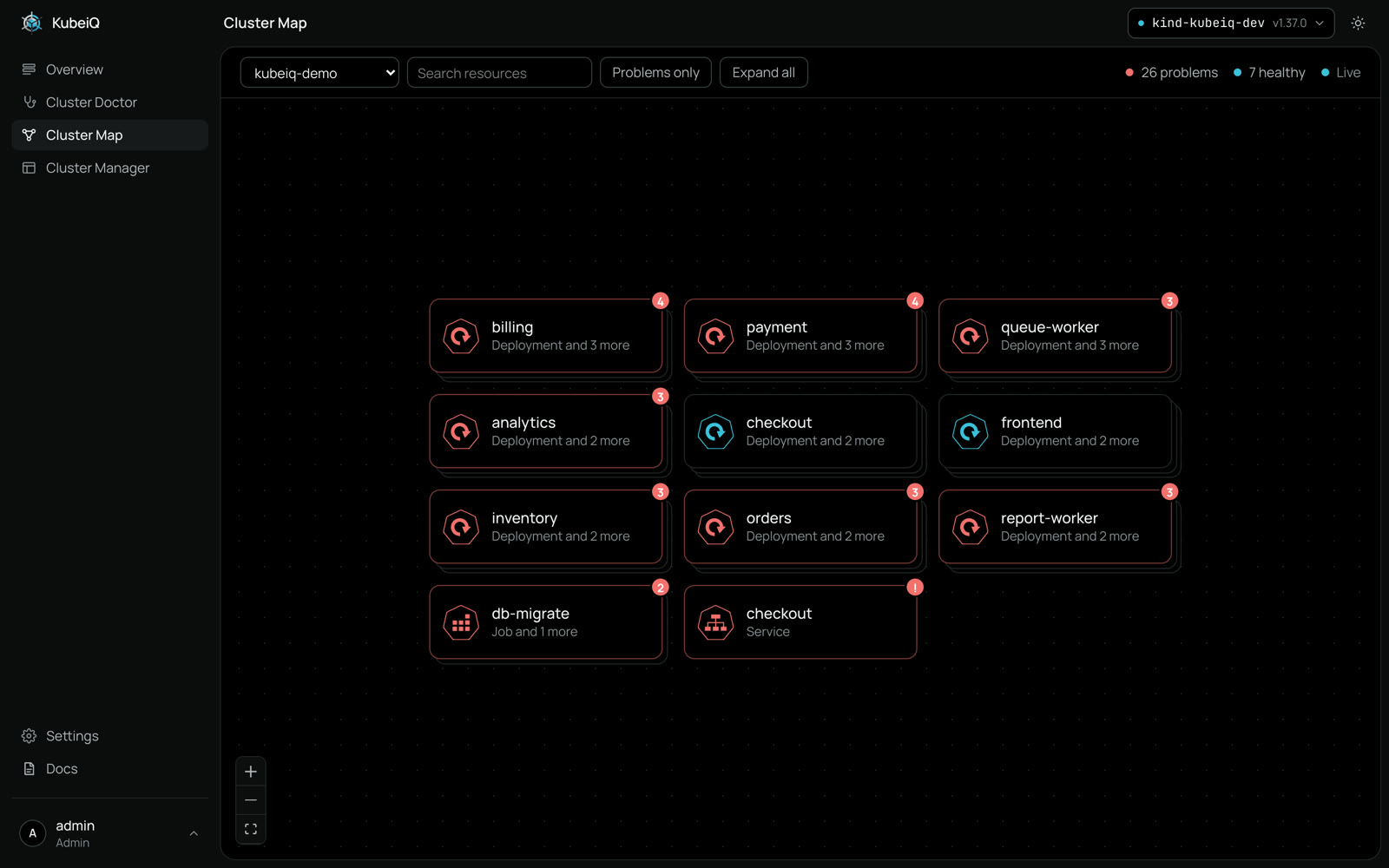
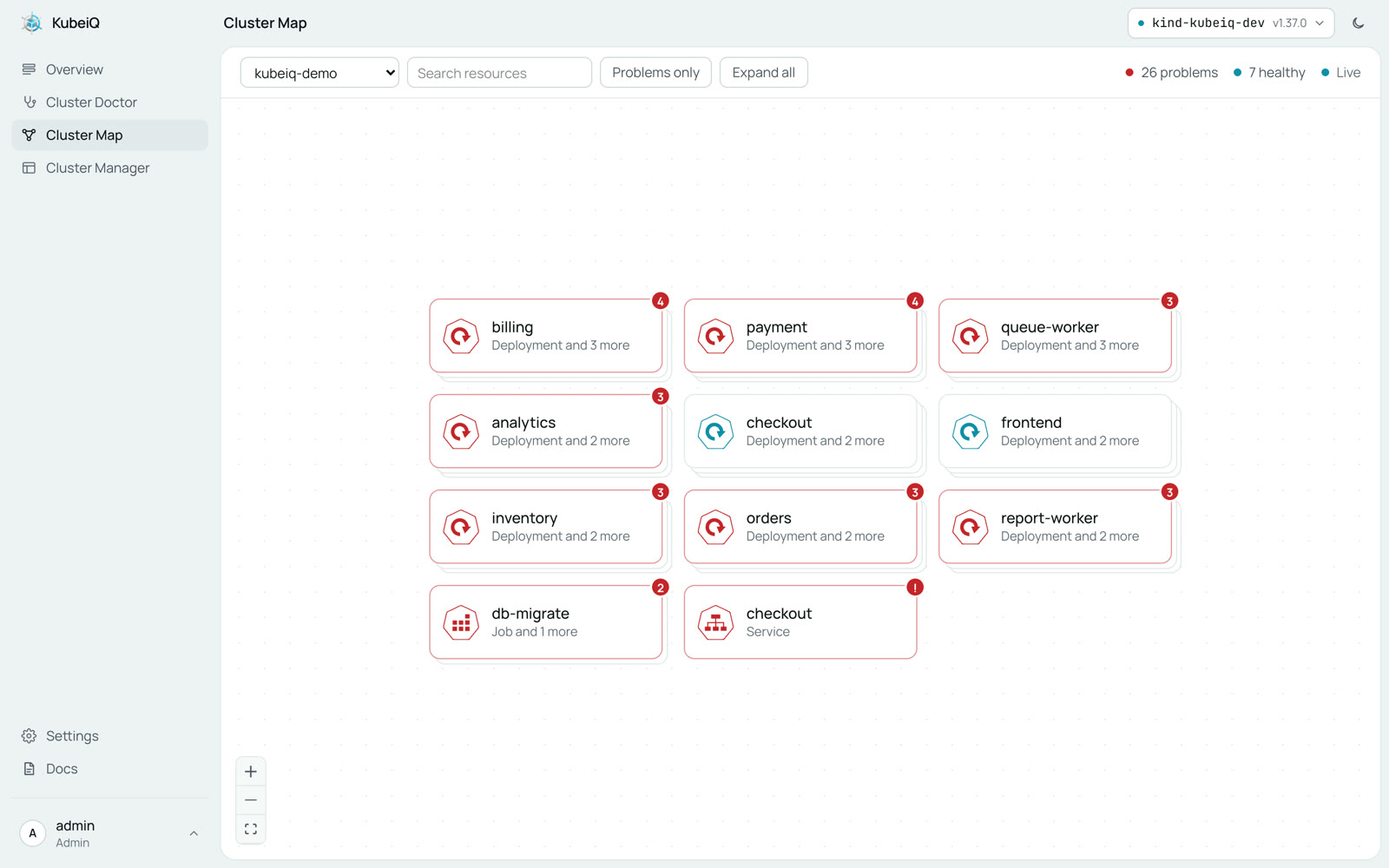
A live chart of your namespace. Every app and the resources behind it, how they connect and which ones are broken, with the reason
Charted Like a Coast
A sea chart shows the soundings, the rocks and the safe passage. Cluster Map does the same for a namespace: what is there, how it links up and where it is broken
What the Map Shows
Built for the moment something is wrong and you need the whole picture before you touch anything
- See How It Connects
- Deployments, pods, services, ingresses, volume claims, configs and secrets, linked the way Kubernetes links them
- Spot What Is Broken
- Red means broken, with the reason in one line, so you know where to look before you open a terminal
- Investigate in One Click
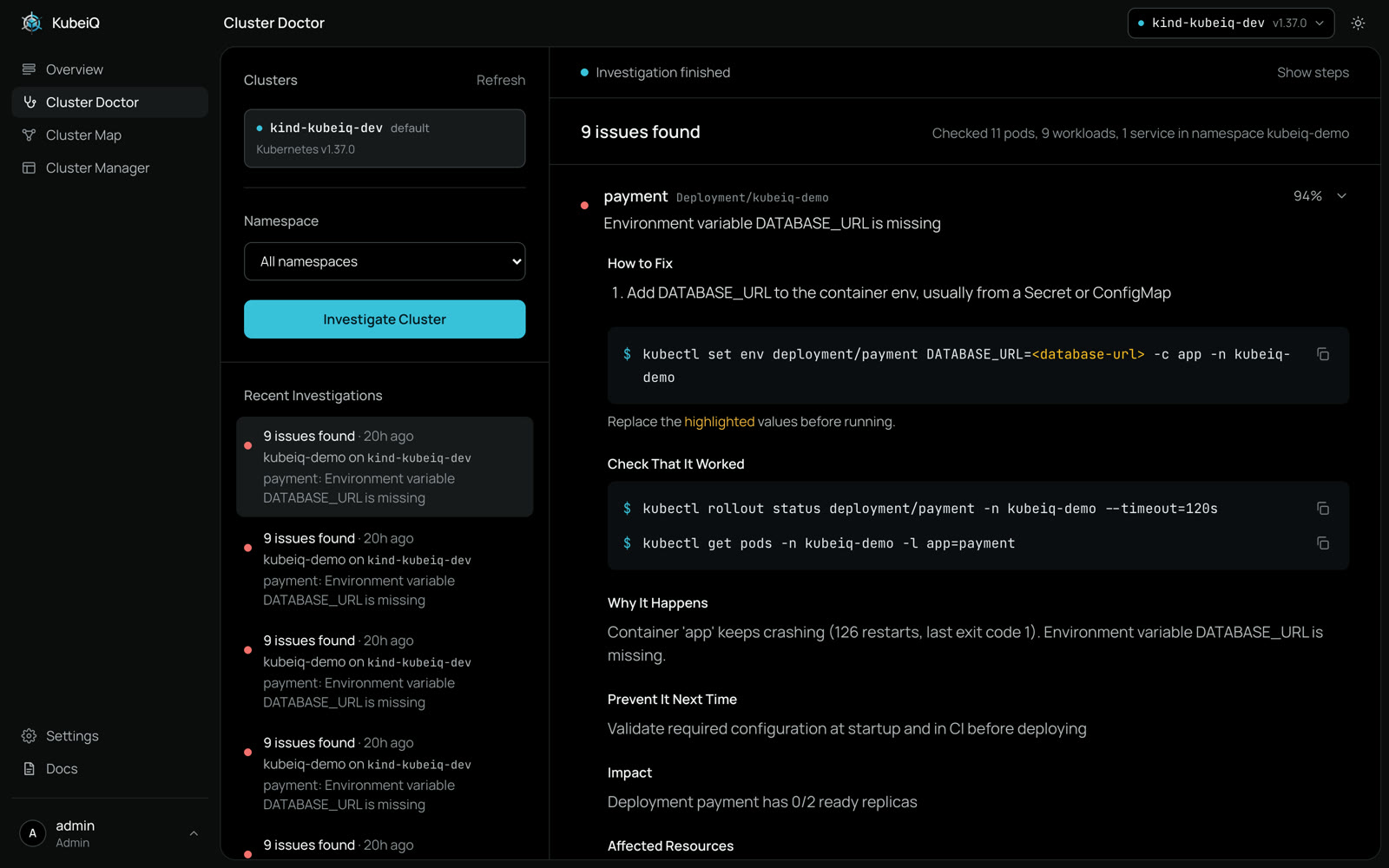
- Click a broken resource and Cluster Doctor opens on it with the root cause and the commands to fix it
- Always Current
- The map refreshes every few seconds, so you watch a fix roll out and the red turn into cyan
From Red Node to Fix
Click a broken pod and see why it fails in one line. One more click opens Cluster Doctor on that workload with the commands to fix it and to check that it worked
Cluster Map builds on the resource map of Headlamp, the Kubernetes project, with health and investigations from KubeiQ