ClusterDoctor
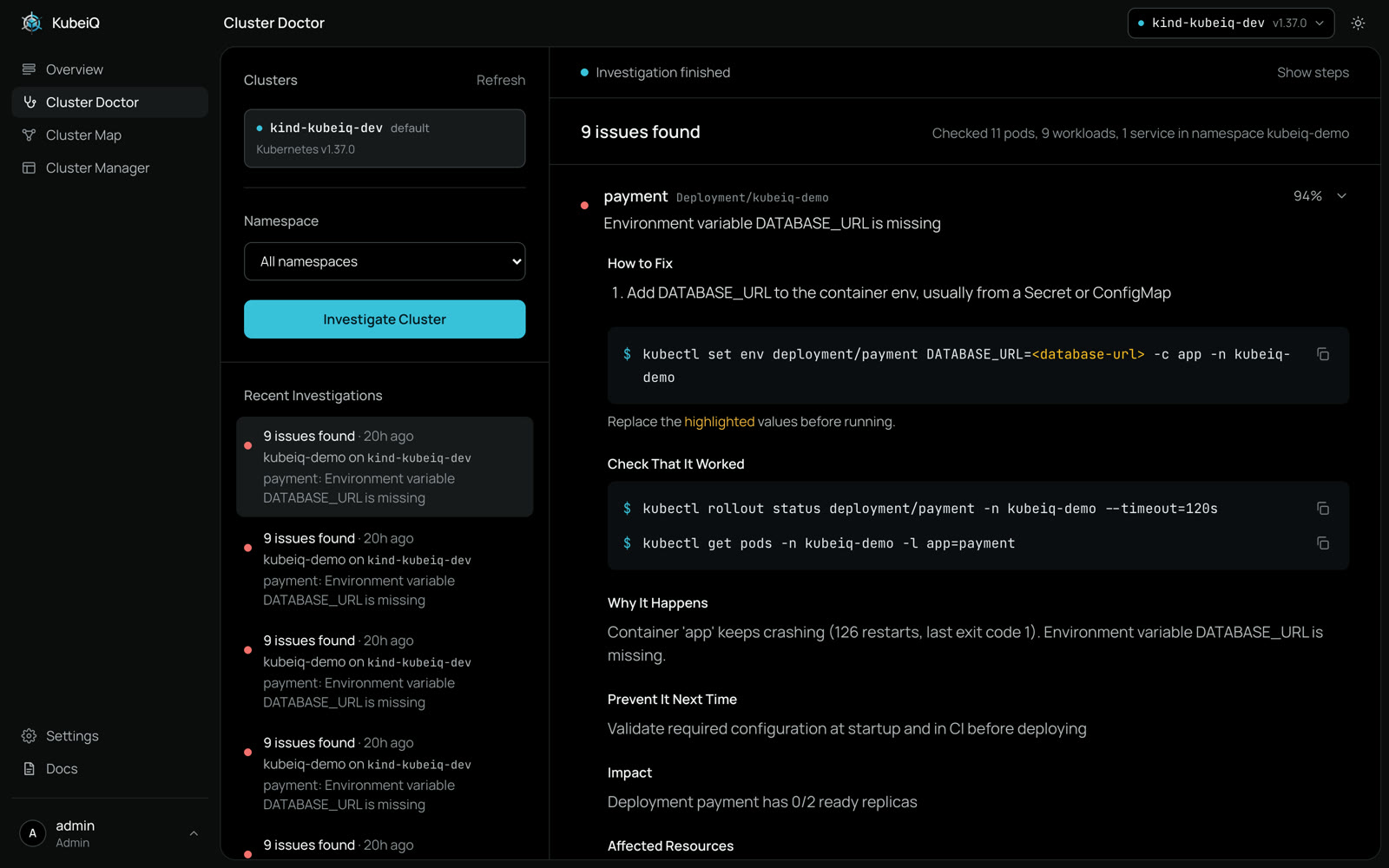
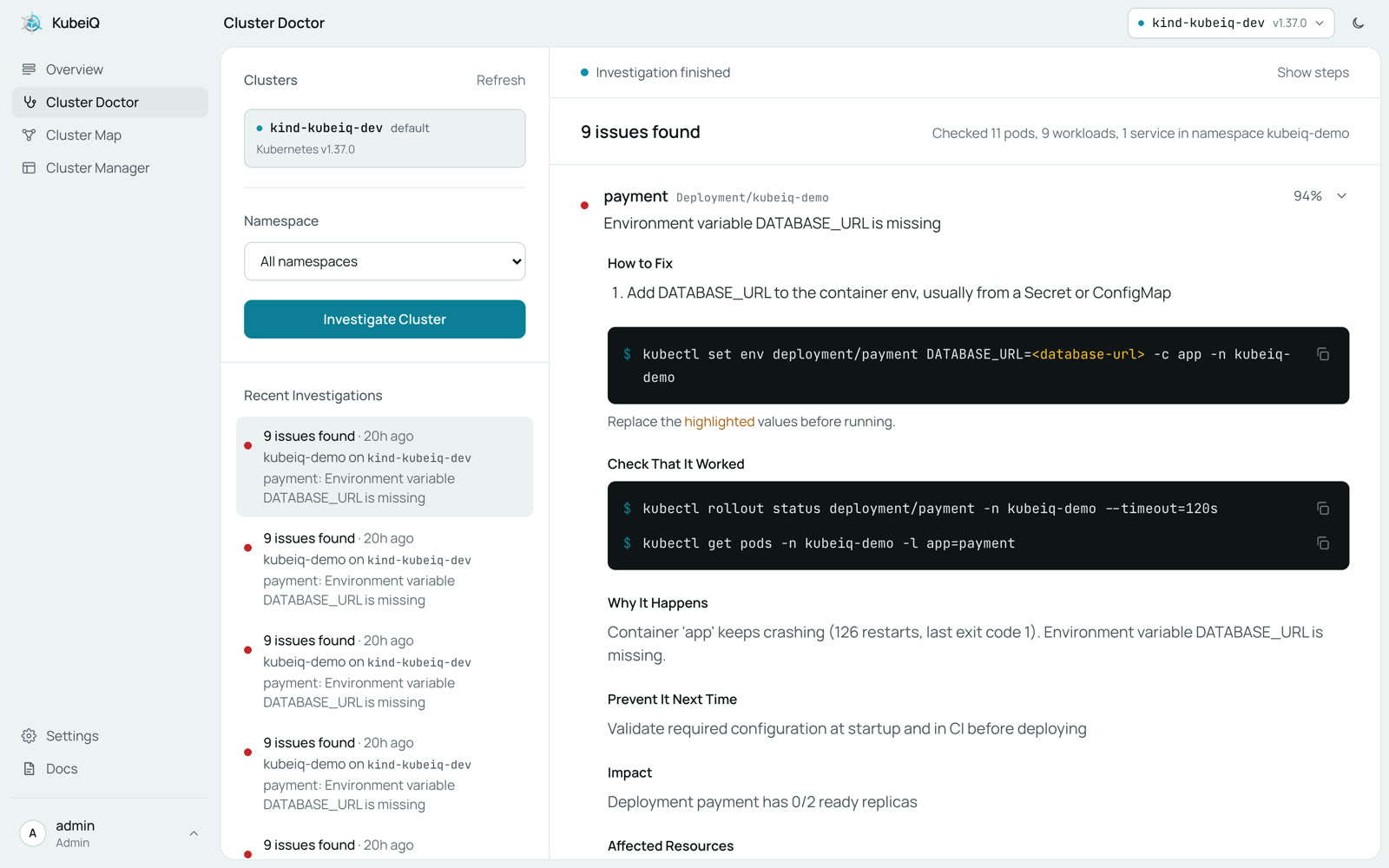
Pick a cluster and a namespace. Cluster Doctor finds what is broken, names the root cause in one line and gives you the commands to fix it
Steer to What Broke
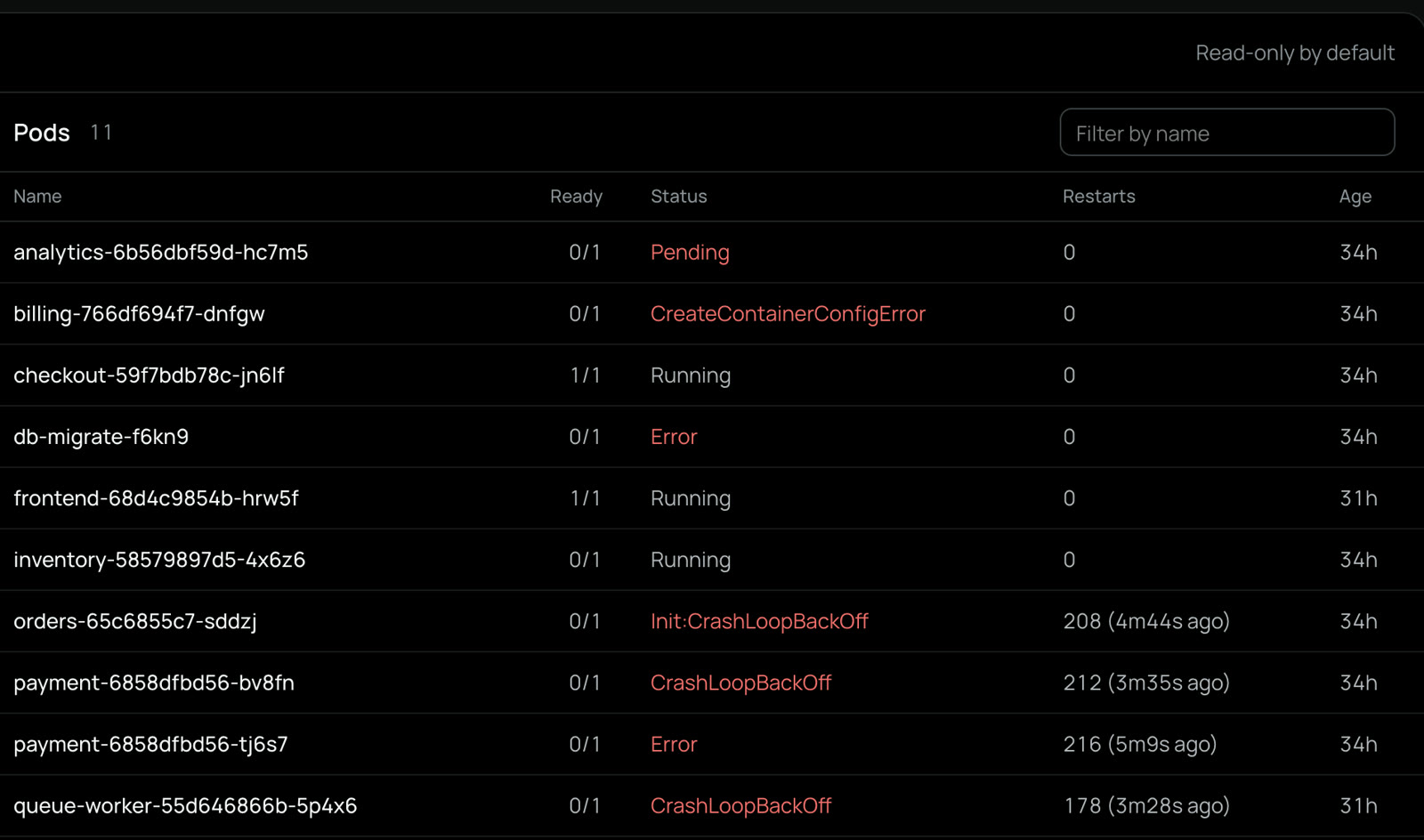
A real scan of the kubeiq-demo namespace found 9 failing workloads. Pick one, or turn the wheel, and read its entry in the log
kind-kubeiq-dev22 Oct 2026, 23:04:40- Position
Deployment/kubeiq-demo/payment- Observed
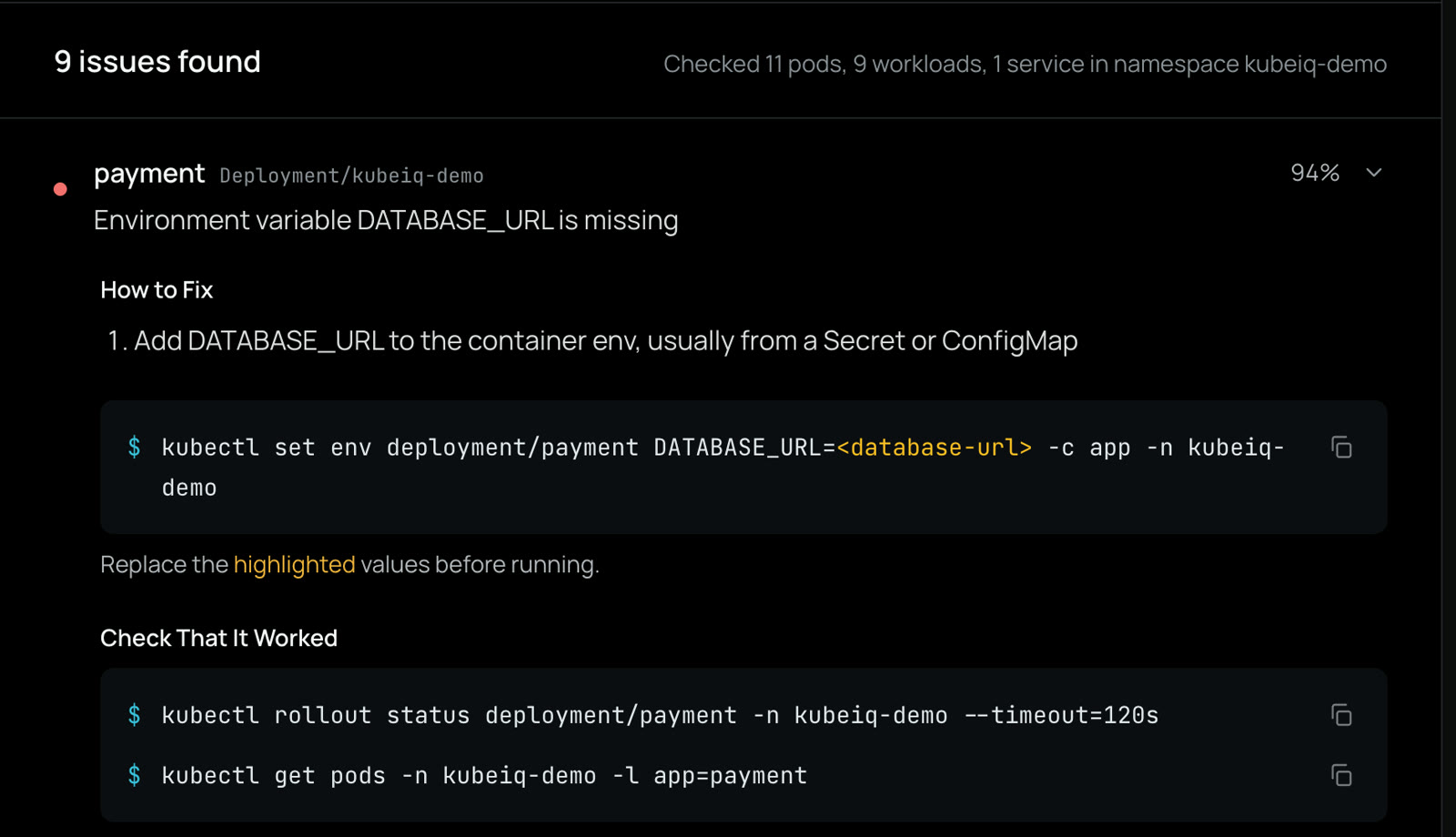
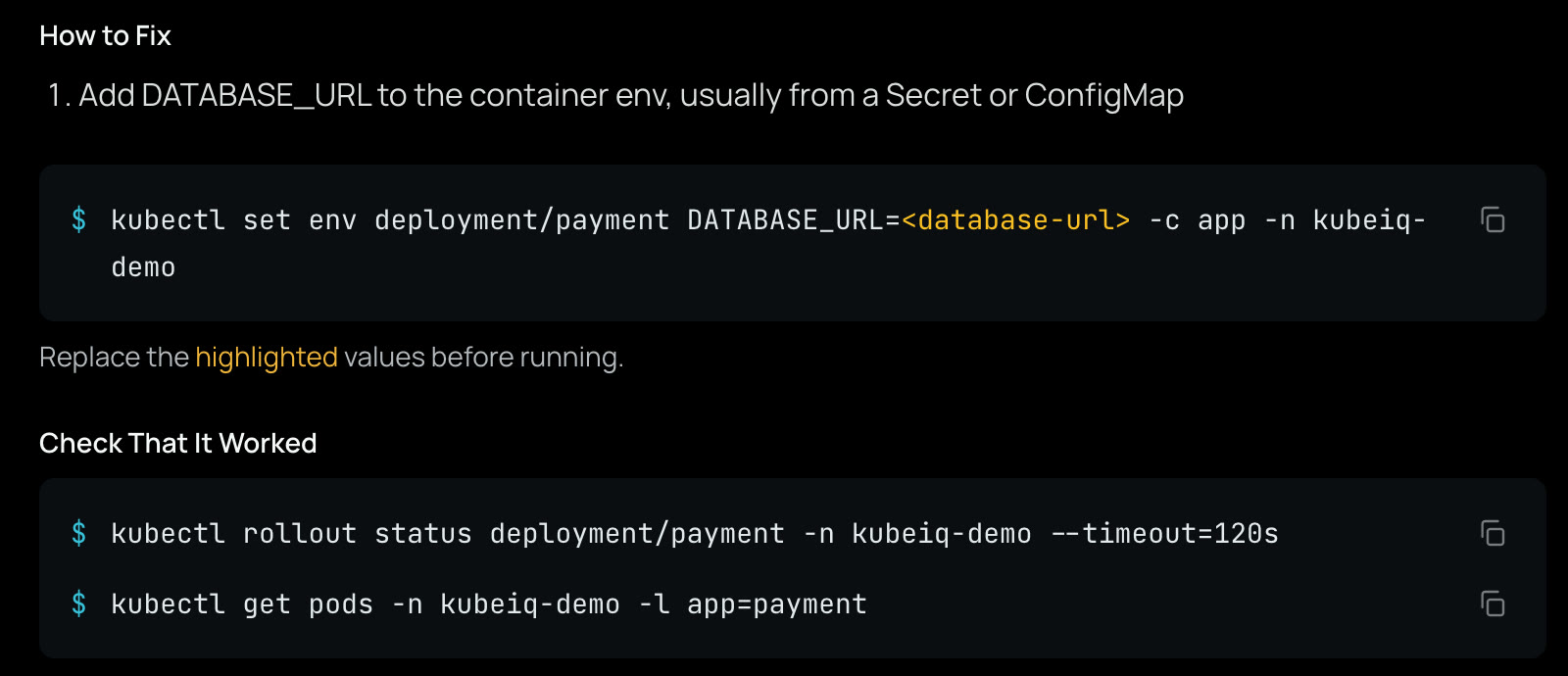
- Environment variable DATABASE_URL is missingAdd DATABASE_URL to the container env, usually from a Secret or ConfigMap
- Action
kubectl set env deployment/payment DATABASE_URL=<database-url> -c app -n kubeiq-demo
- Check
kubectl rollout status deployment/payment -n kubeiq-demo --timeout=120skubectl get pods -n kubeiq-demo -l app=payment
- Affected
Deployment/kubeiq-demo/paymentPod/kubeiq-demo/payment-6858dfbd56-bv8fnPod/kubeiq-demo/payment-6858dfbd56-tj6s7- Next time
- Validate required configuration at startup and in CI before deploying
How a Scan Runs
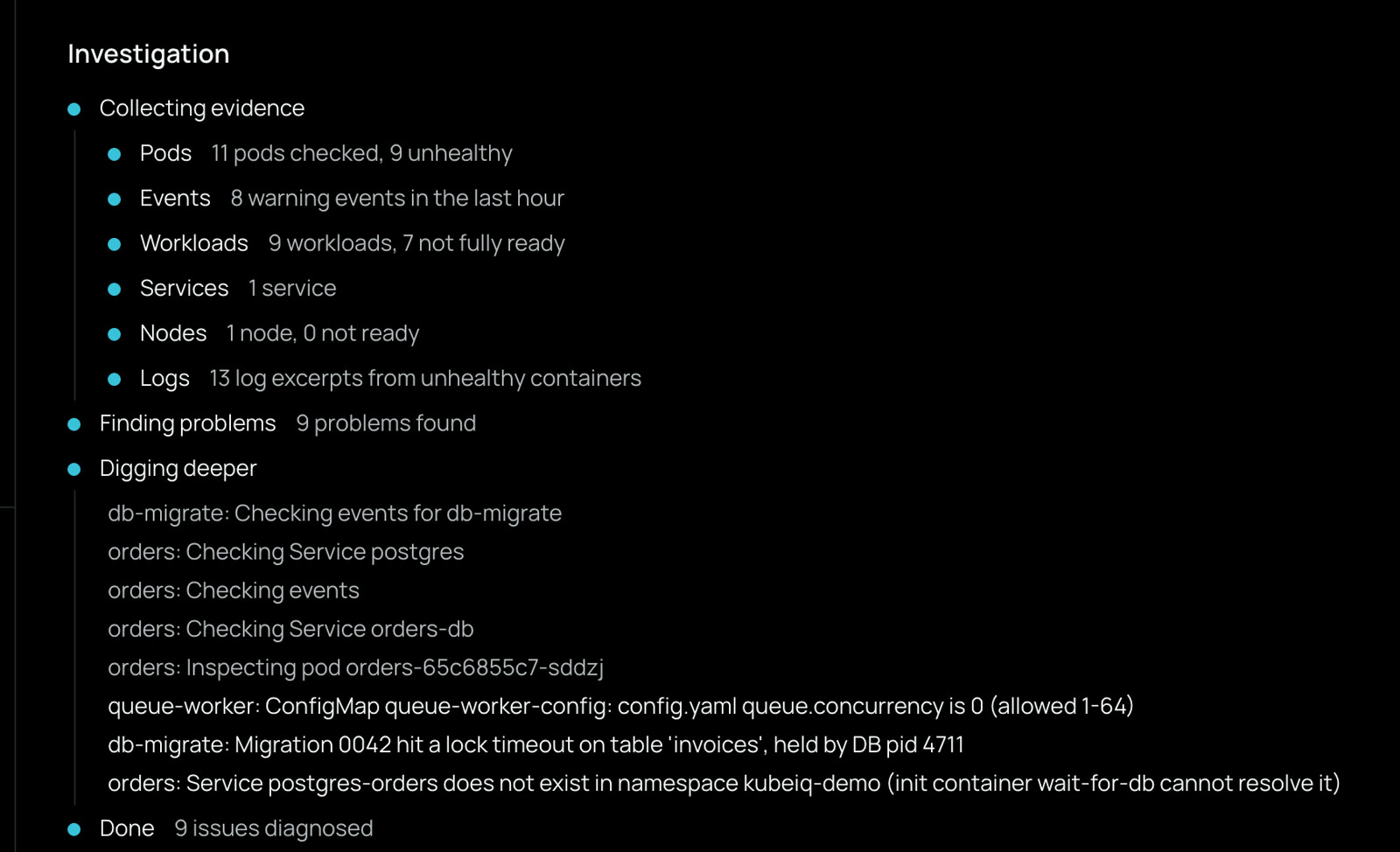
Every scan takes the same four steps, and none of them changes your cluster. The one on this page took 15 seconds and checked 11 pods, 9 workloads, 8 events and 13 logs
Read the Cluster
Pods, events, workloads, services, nodes and logs, read with the access your kubeconfig already has. Secret values are never read
Known on Sight
The failures Cluster Doctor recognizes in seconds: CrashLoopBackOff, OOMKilled, ImagePullBackOff, Pending pods, Probe failures, Missing config, Service selectors, Init containers, Failed jobs, Stuck rollouts, Node pressure. Anything else goes to the AI agent, so an unhealthy pod is never reported as fine
Safe to Point at Production
Cluster Doctor looks and explains. Changes happen only when you run the commands yourself, or in Cluster Manager once an admin allows them
- Read-Only
- Cluster Doctor uses read-only access and never reads secret values, only their names and metadata
- Private by Default
- Passwords, tokens and keys in logs and config are masked before anything reaches a model
- Your Model, or None
- OpenAI, Anthropic, OpenRouter, Bedrock, Azure, a LiteLLM proxy or a local model. Without one, known failures are still found and fixed