ClusterManager
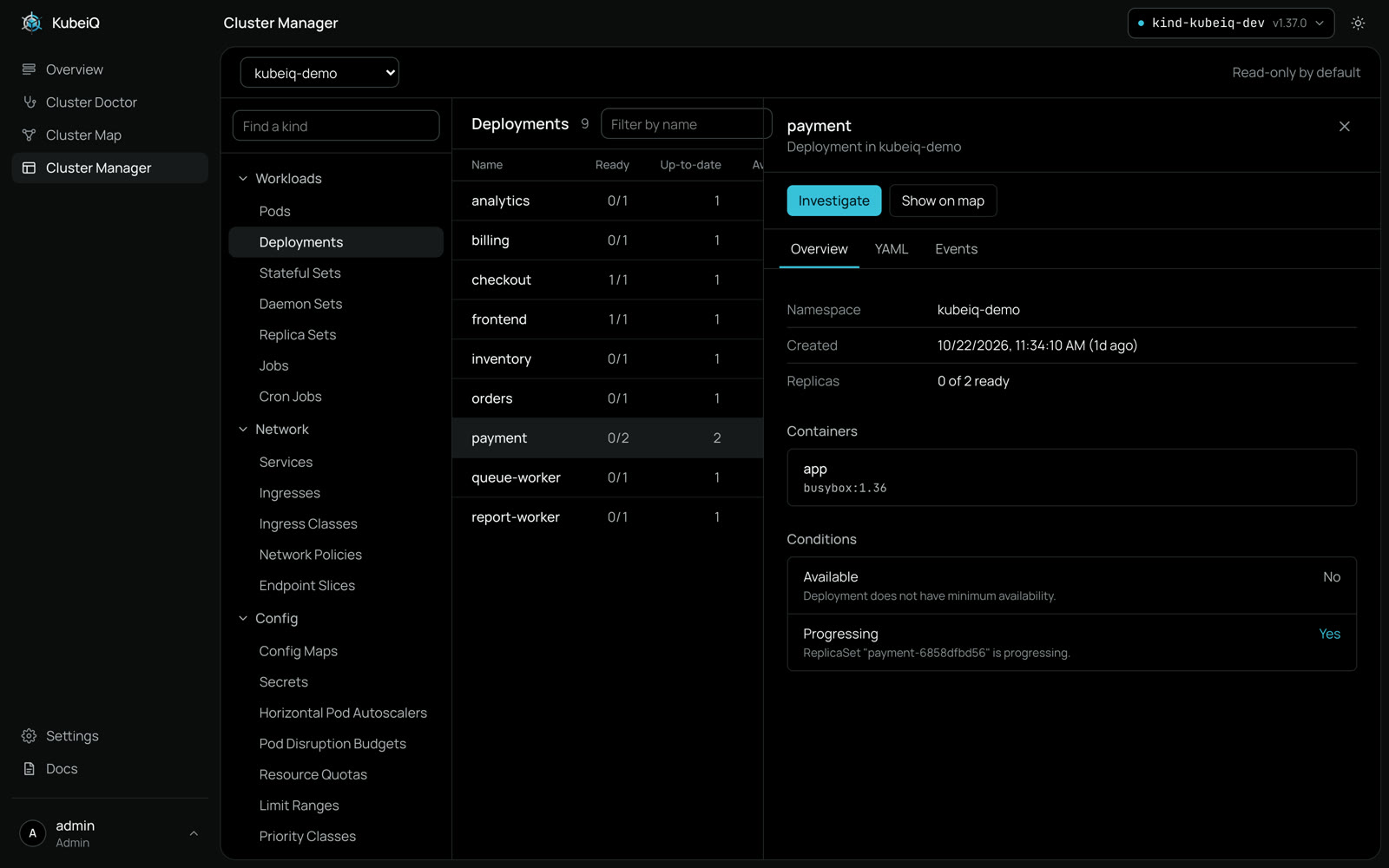
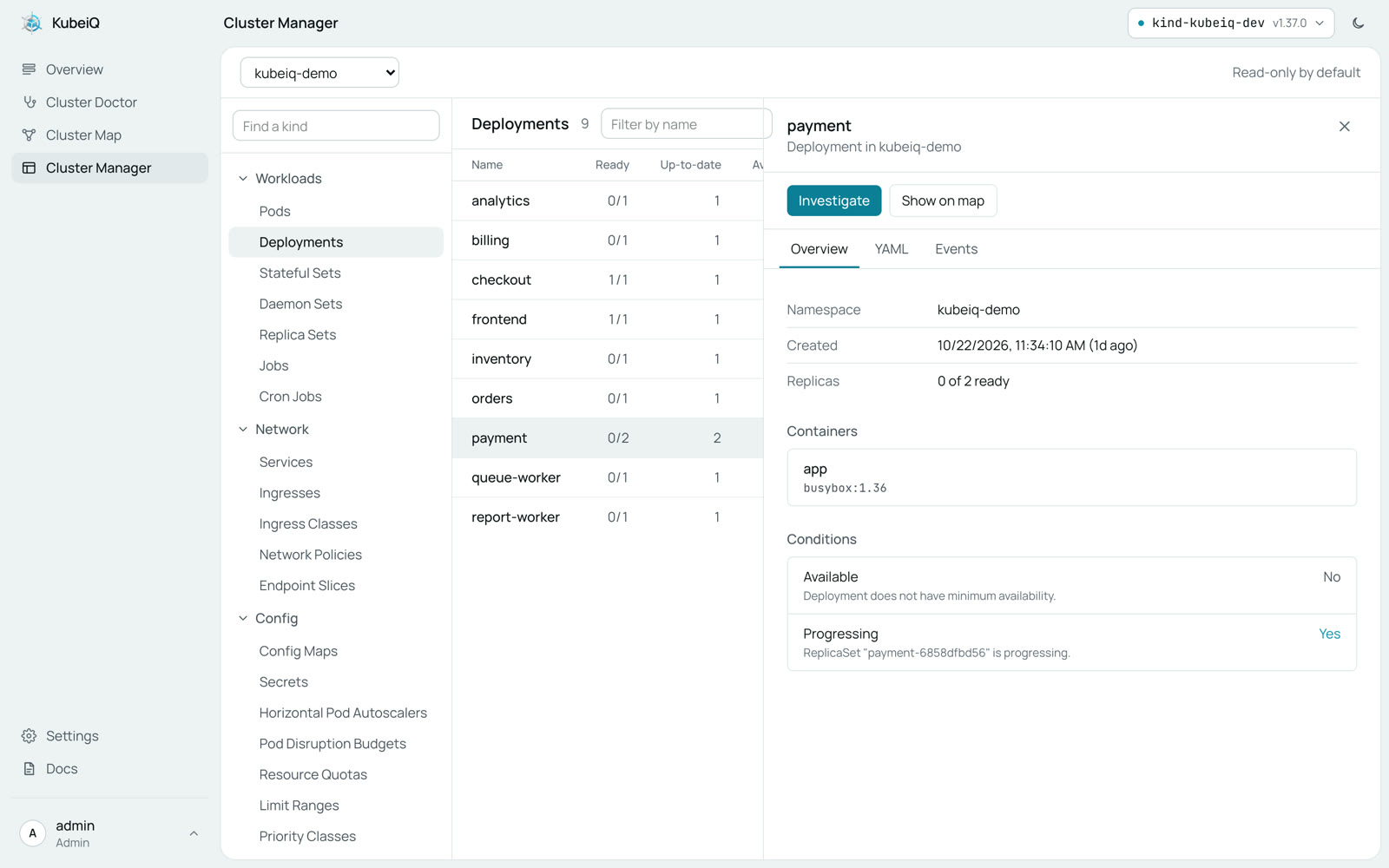
Everything in your cluster in one place. Find any resource, read its YAML, events and logs, and jump to the map or an investigation
The Whole Cluster, Read Safely
One table per kind, built from the server's own columns, and a panel for the object you pick
- Every Resource
- Workloads, networking, config, storage, access and your custom resources, found on the cluster itself
- YAML, Events and Logs
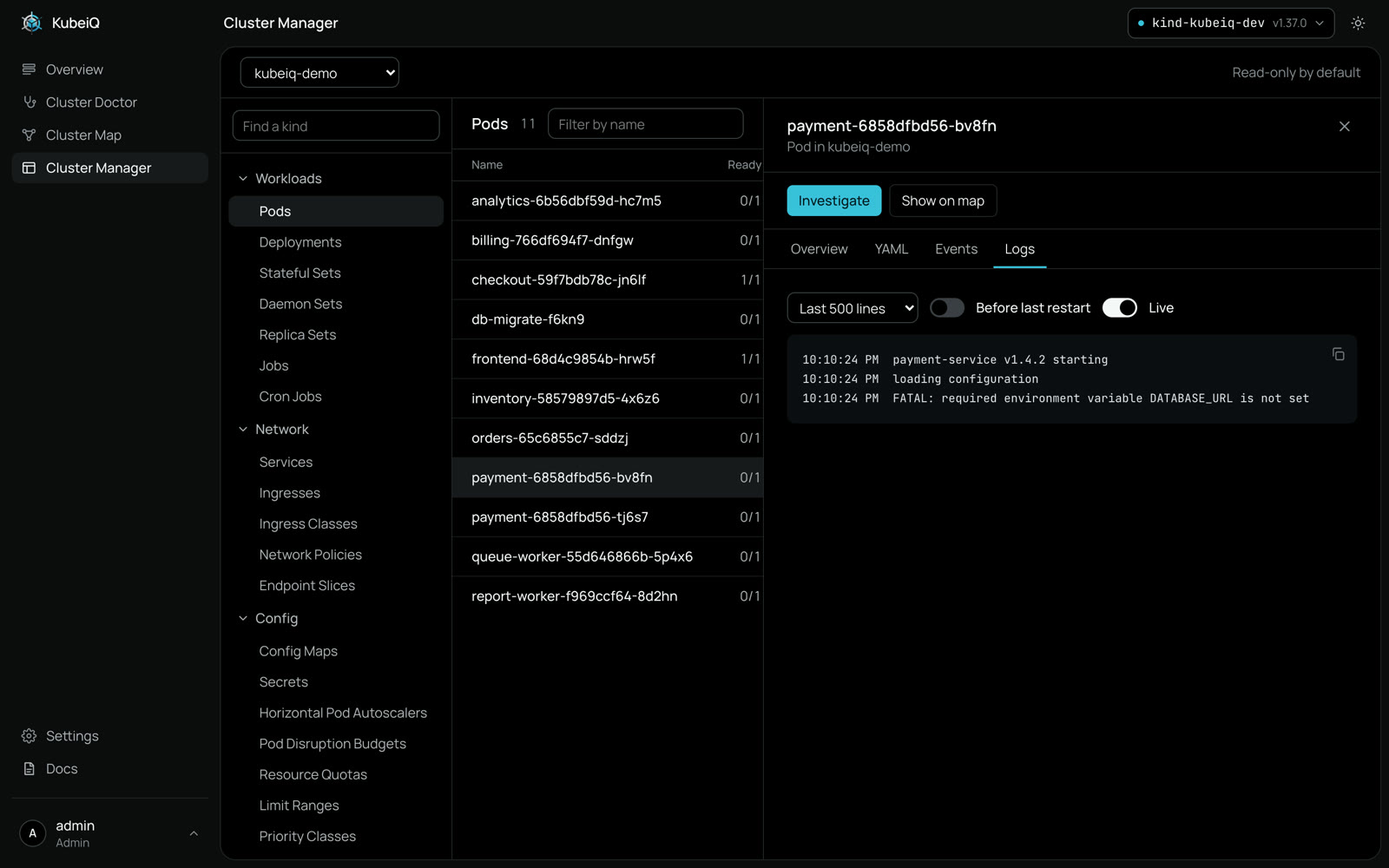
- Open any object to read its YAML and recent events. Pods show live logs, including the run before the last crash
- Safe by Default
- Read-only until an admin turns changes on. Secret values are never read, only names and metadata
- Changes You Can Trust
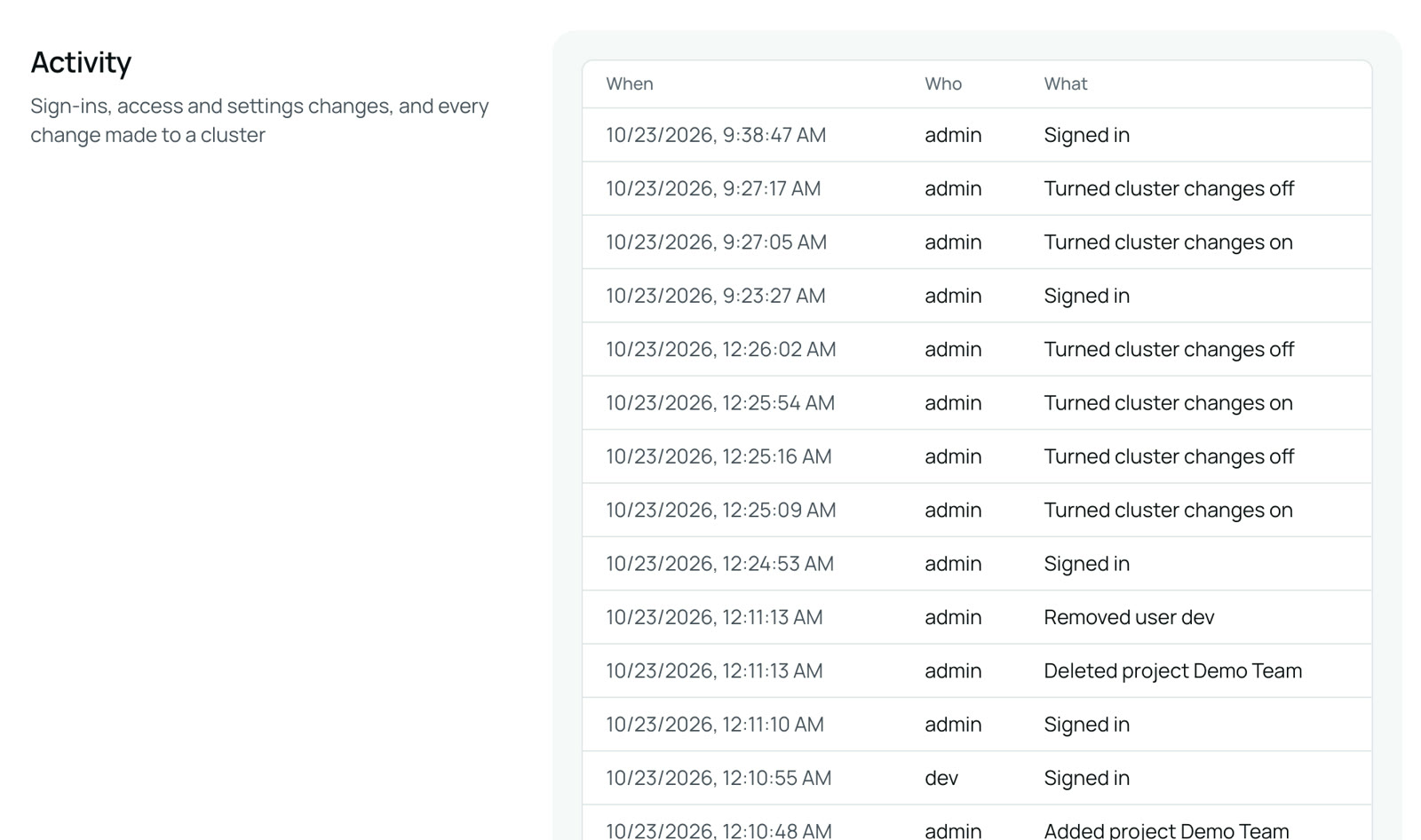
- Scale, restart, cordon and delete with a confirmation, limited to project editors, and recorded in Activity
Logs Without a Terminal
Follow a pod's logs live, switch containers, or read the run before the last restart. When something looks wrong, Investigate opens Cluster Doctor on that workload
Every Change in the Log
A ship keeps a log of every course change. Cluster Manager does the same: every scale, restart, cordon or delete, and every attempt that was refused, lands in Activity with who, what and when
Restart checkout?
Kubernetes replaces its pods one by one, the same as kubectl rollout restart. This is recorded in the activity log.
CancelRestart
Activity
| Time | Who | What | Result |
|---|---|---|---|
| 09:42 | maya | Restarted checkout | Done |
| 09:40 | omar | Scaled to 3 orders | Refused |
| 09:31 | maya | Cordoned kind-worker | Done |